Sit-downs and sources, easy to cite.
Remote or in the room, yapyap focuses on who said what, then write-ups that pull quotes without a second full listen.
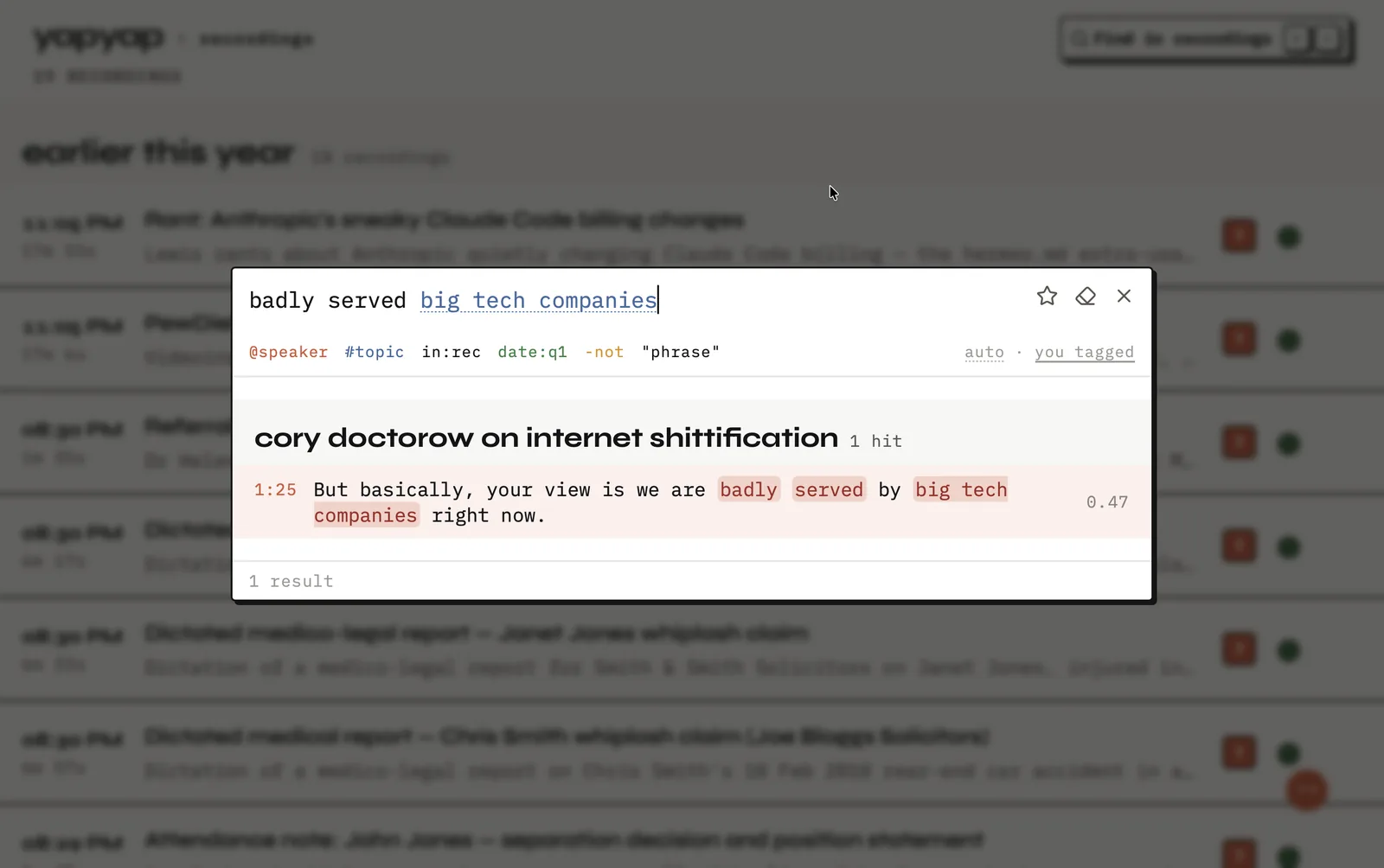
In short: capture the interview without a bot guest, keep the tape local, and use a lens when you need a quote sheet or chronology.
How to record an interview
- Remote: capture from your computer while on Meet, Zoom, or Teams.
- Field: record on your phone, then open the take on desktop.
- Afterward: name speakers once, then pull quote-oriented write-ups with a lens.
What you get
- Speaker names you can trust for citing.
- No bot on remote interviews.
- Phone mic for field follow-ups.
- Write-ups aimed at quote sheets and timelines.
If this happens
- The source goes off the record: stop the recording, then start a new one afterward.
- They ask what records the call: nothing on the call does. You do.
- A follow-up weeks later: name them once, and the later take arrives labeled.
FAQ
- Can yapyap help with one-on-one interviews?
- Yes. Capture on desktop or phone, keep speaker names on the lines, and pull quote-ready lenses without a meeting bot.
- Does yapyap upload interview audio by default?
- No. The archive stays on your computer unless you export.
- How do I handle an off-the-record stretch?
- Stop recording. Start again when you are back on. Each take is a separate recording in your library.
Record your meetings. See who spoke. Turn one recording into the write-up you need, on your computer, with no cloud account.
Download yapyap
Free to try. No card, no account.
Then €69, once. Yours forever, every update included.
Your recordings never leave your computer.