Google Meet, captured on your side.
Keep the Meet guest list clean. yapyap records locally and turns the call into notes on your hardware.
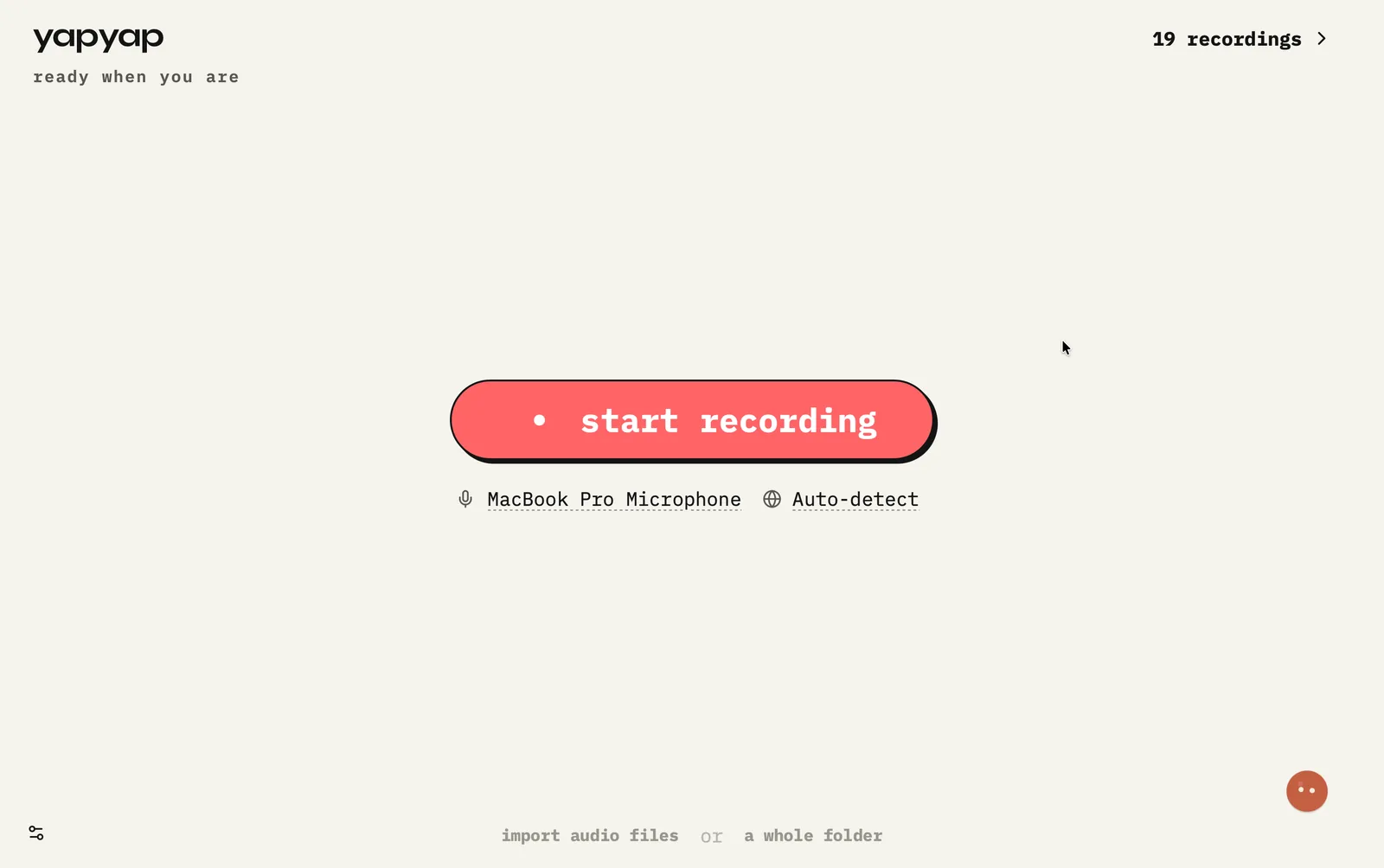
In short: use Meet as you already do. yapyap records from your computer so you never have to approve or explain a notetaker guest.
How to record Google Meet
- Join Meet in the browser or app as usual.
- Start yapyap capture on the same computer.
- When the call ends, stop. Then open the transcript. If you need a write-up, choose a lens.
What you get
- No third-party bot to approve or explain.
- Clear notes for interviews and standups.
- Same private library as your other recordings.
If this happens
- Headphones on: the call audio still arrives, because it comes from the computer, not the room.
- Meet in a second browser profile: no difference. Capture sits below the browser.
- Someone joins by phone: their audio comes through Meet like anyone else’s.
FAQ
- Can I record Google Meet without a Meet recording bot?
- Yes. Capture from your computer with yapyap instead of admitting a notetaker to the call.
- Where does the Meet transcript live?
- On your computer by default. Export only when you choose, not as a condition of using yapyap.
- Do I need a Chrome extension for Google Meet?
- No. yapyap records the computer’s audio, so the browser, the profile, and the tab do not matter.
Record your meetings. See who spoke. Turn one recording into the write-up you need, on your computer, with no cloud account.
Download yapyap
Free to try. No card, no account.
Then €69, once. Yours forever, every update included.
Your recordings never leave your computer.