What is a lens?
In yapyap, a lens is how you read a recording. The transcript stays the full record. A lens is the write-up style you apply, built-in or your own.
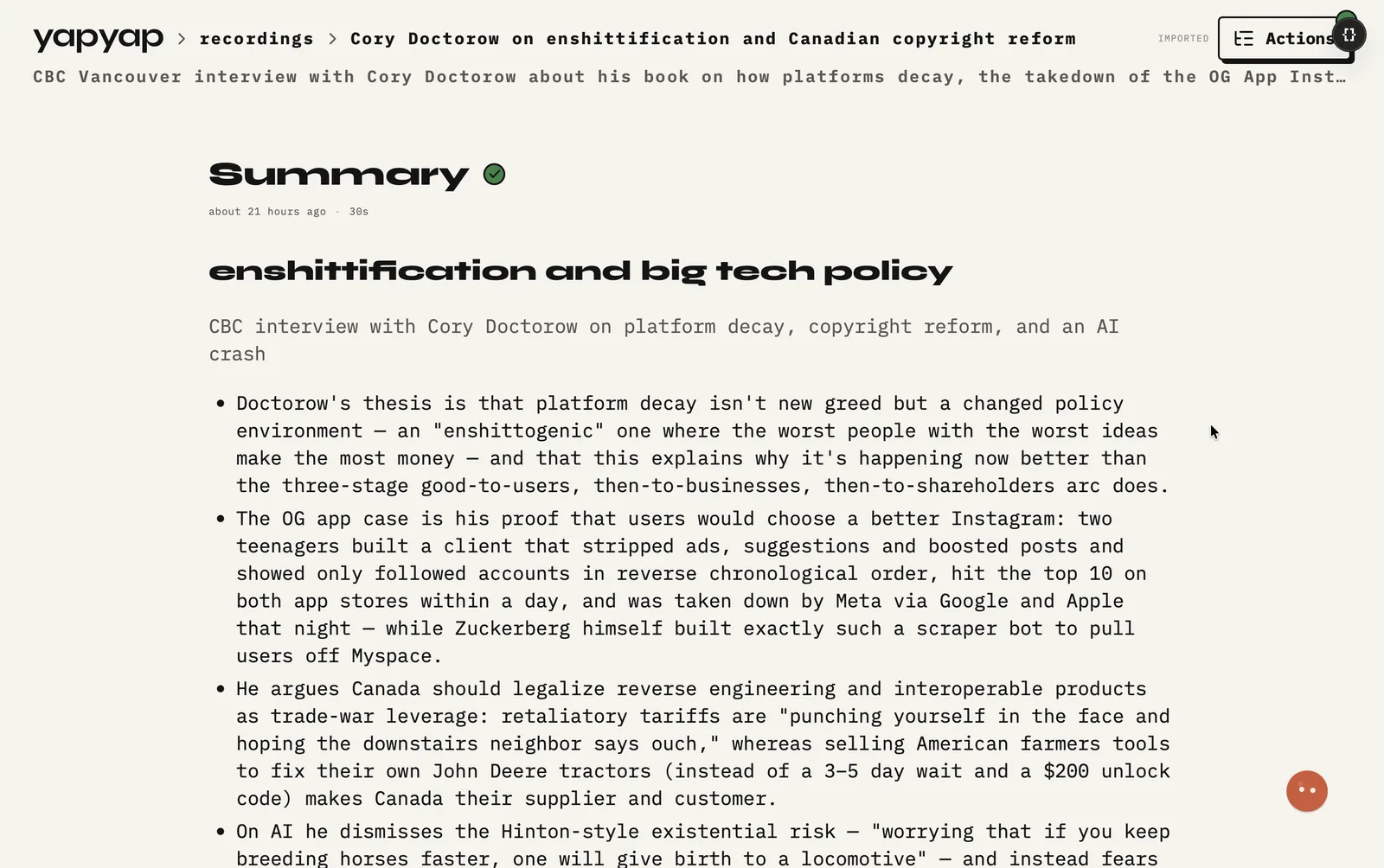
Think of it as a saved recipe for notes. Ask the same recording a new question later (client recap today, quote list tomorrow) without recording again. You can share the recipe without sharing the audio.
What it means in practice
- Built-in: full transcript, summary, action list.
- Your own: formats that match how you work.
- Share or install a lens without moving recordings.
What a lens is not
- Not the transcript. The transcript stays the full record underneath.
- Not a one-off prompt. A lens is saved, named, and used again.
- Not a copy of your audio. Share the lens, keep the recording.
That is the whole idea. A chatbot answers once and forgets the shape of the answer. A lens keeps the shape, so the next recording costs you no thinking.
FAQ
- What is a lens?
- A saved way of reading a recording (summary, actions, quotes, or your own format) without recording again.
- Does sharing a lens share my audio?
- No. Only the write-up style is shared. Recordings stay on your computer.
- Can I change a lens after I use it?
- Yes. Apply the new version to older recordings whenever you like. The recording itself does not change.
Record your meetings. See who spoke. Turn one recording into the write-up you need, on your computer, with no cloud account.
Free to try. No card, no account.
Then €69, once. Yours forever, every update included.
Your recordings never leave your computer.