No bot in the call. Nothing awkward to explain.
A notetaker bot appears on the participant list. That can freeze a source, spook a client, or break a room’s rules. yapyap records on your side instead.
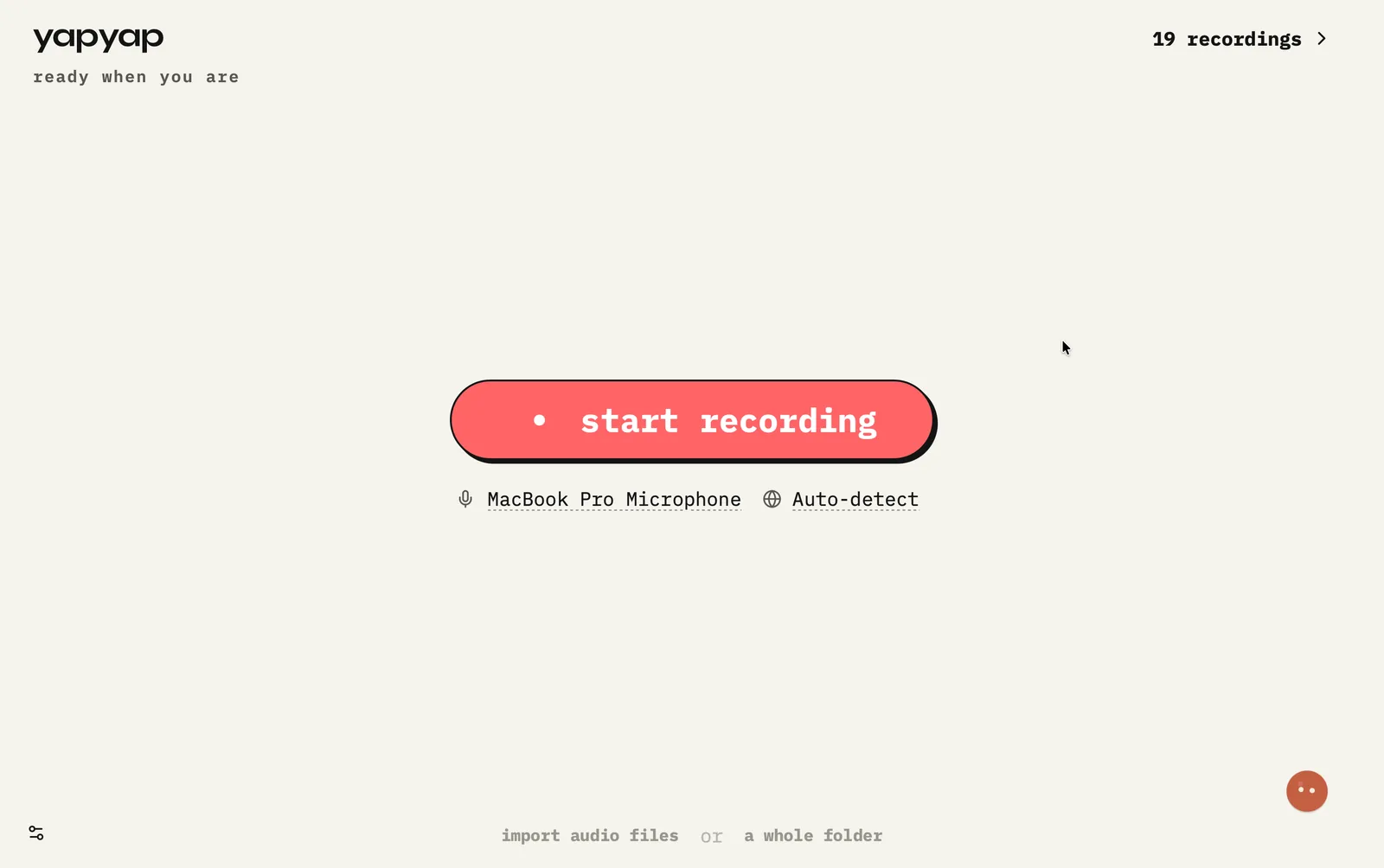
For remote meetings, it listens through your mic and the sound your computer already plays. In person, it uses the room. Away from your desk, yapyap Go records on its own. The other people never see a recorder avatar.
What this does for you
- Keep Zoom, Meet, and Teams guest lists clean.
- Run interviews without announcing a third-party bot.
- Still get a searchable transcript and write-ups afterwards.
- Decide consent yourself. We do not force a bot into the room.
What the other people see
- Zoom: the guest list is whoever was invited. No extra name appears.
- Google Meet: nothing to admit from the waiting room.
- Microsoft Teams: no app, no participant, nothing for IT to approve.
- In a room: a laptop or a phone on the table, which is what it looks like.
The recording still exists. The difference is that it belongs to you, and it does not announce itself as a third party’s software.
FAQ
- Does yapyap join my Zoom, Meet, or Teams meetings?
- No. It records your computer’s own audio. Nothing appears on the participant list and nothing needs admitting.
- With no bot, do I still have to tell people about the recording?
- Yes. The bot is a technical detail. Consent is a legal and social one, and it depends on where you and the other people are.
- Does dropping the bot cost me anything in the notes?
- No. You still get a transcript, speaker labels, and write-ups. You lose the extra guest, not the output.
Record your meetings. See who spoke. Turn one recording into the write-up you need, on your computer, with no cloud account.
Free to try. No card, no account.
Then €69, once. Yours forever, every update included.
Your recordings never leave your computer.