Zoom, without a recorder on the guest list.
yapyap listens on your computer. Other people never see a notetaker bot. You still get notes you can search and share on your terms.
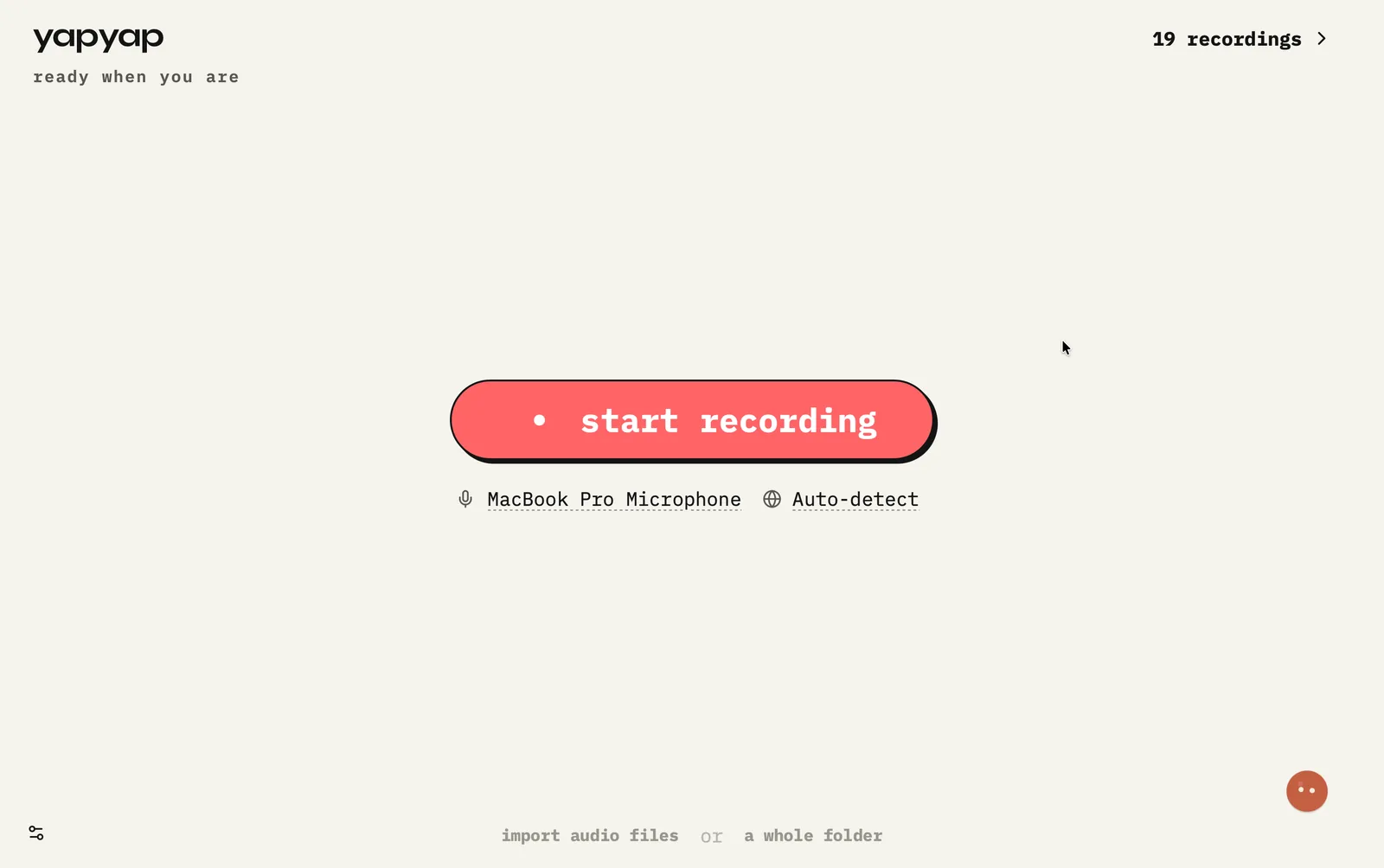
In short: join Zoom as usual, start yapyap on your computer, and capture what you hear and say, without admitting a third-party notetaker. When you stop, you get a transcript with speakers and lenses for summaries or actions.
How to record a Zoom call
- Open yapyap on your computer before or as you join Zoom.
- Start recording so yapyap captures your mic and the call playback on your side.
- When the meeting ends, stop. Transcription and write-ups run locally.
- Optional: run a lens for a summary or action list without pasting into another chat tool.
What you get
- Empty guest list: nothing joins as a bot.
- Named speakers and a searchable archive on your computer.
- Works whether or not you also use Zoom’s own cloud recording.
- Privacy context from Zoom’s own trust materials: Zoom Trust Center.
FAQ
- Do I need to invite a Zoom bot to get a transcript?
- No. yapyap captures Zoom from your computer’s audio so the guest list stays empty. You still get a transcript and lenses after the call.
- Does yapyap work if I am not the Zoom host?
- Yes. You record what you hear and speak on your computer. Host recording settings do not need to admit a third-party notetaker.
Record your meetings. See who spoke. Turn one recording into the write-up you need, on your computer, with no cloud account.
Download yapyap
Free to try. No card, no account.
Then €69, once. Yours forever, every update included.
Your recordings never leave your computer.