Record on the go. Desk for the write-up.
Your phone already records well. Pair it once, record when the laptop stayed home, then open the same take on your computer when you are back.
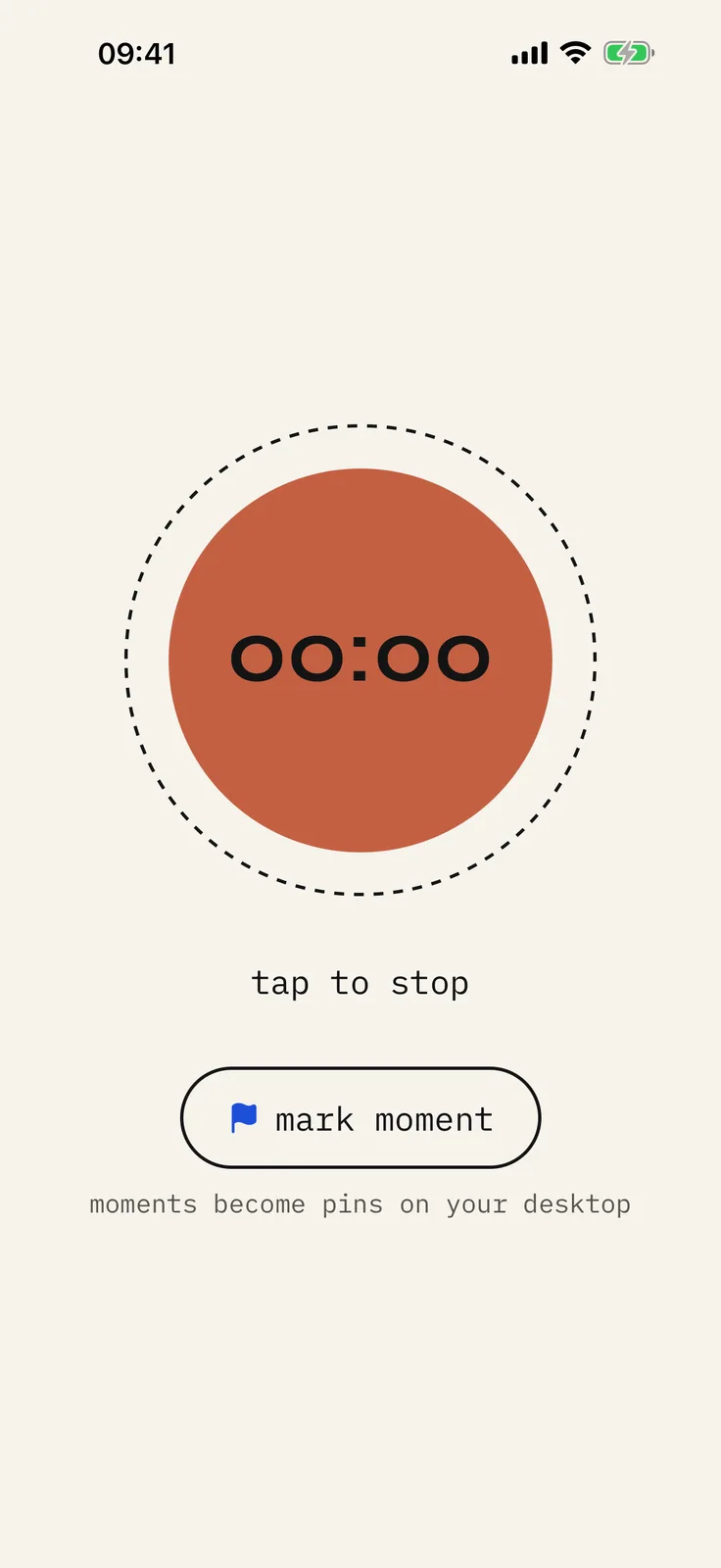
In short: pair the companion once on your local network, record on the phone, then finish transcription and lenses on the desktop archive.
How companion capture works
- Pair the phone and the desktop while both are on your network.
- When the laptop stayed home, hit record on the phone. It records on its own.
- Hand the take to the desk for transcripts, speakers, and lenses.
What you get
- Record when the laptop stays home.
- Finish transcripts and write-ups at your desk.
- Same library as Zoom and in-person recordings.
- No new gadget, no gadget subscription, nothing extra headed for landfill.
If this happens
- The phone and the computer are not on the same network: the take waits on the phone. Nothing is lost.
- The phone locks mid-recording: it keeps recording, and you can start it from the lock screen.
- You forget the handoff: the take sits in the phone’s own library until you are ready.
FAQ
- Can I record with only my phone?
- Yes. yapyap Go is a standalone recorder on the phone you already own. It hands the take to the desktop archive when you are back on your own network.
- Do I need a separate wearable mic?
- No. The phone in your pocket already records fine, so yapyap’s path is phone + desktop, not a second device with a subscription hiding inside.
- What if I never bring the phone near my computer?
- The recording stays on the phone and you can play it there. Transcripts and lenses need the computer, so those wait.
Record your meetings. See who spoke. Turn one recording into the write-up you need, on your computer, with no cloud account.
Download yapyap
Free to try. No card, no account.
Then €69, once. Yours forever, every update included.
Your recordings never leave your computer.