Know who said what. Next meeting, too.
A transcript without names is hard to use. When every line has a speaker, you can find decisions, pull quotes, and brief someone who missed the call, fast.
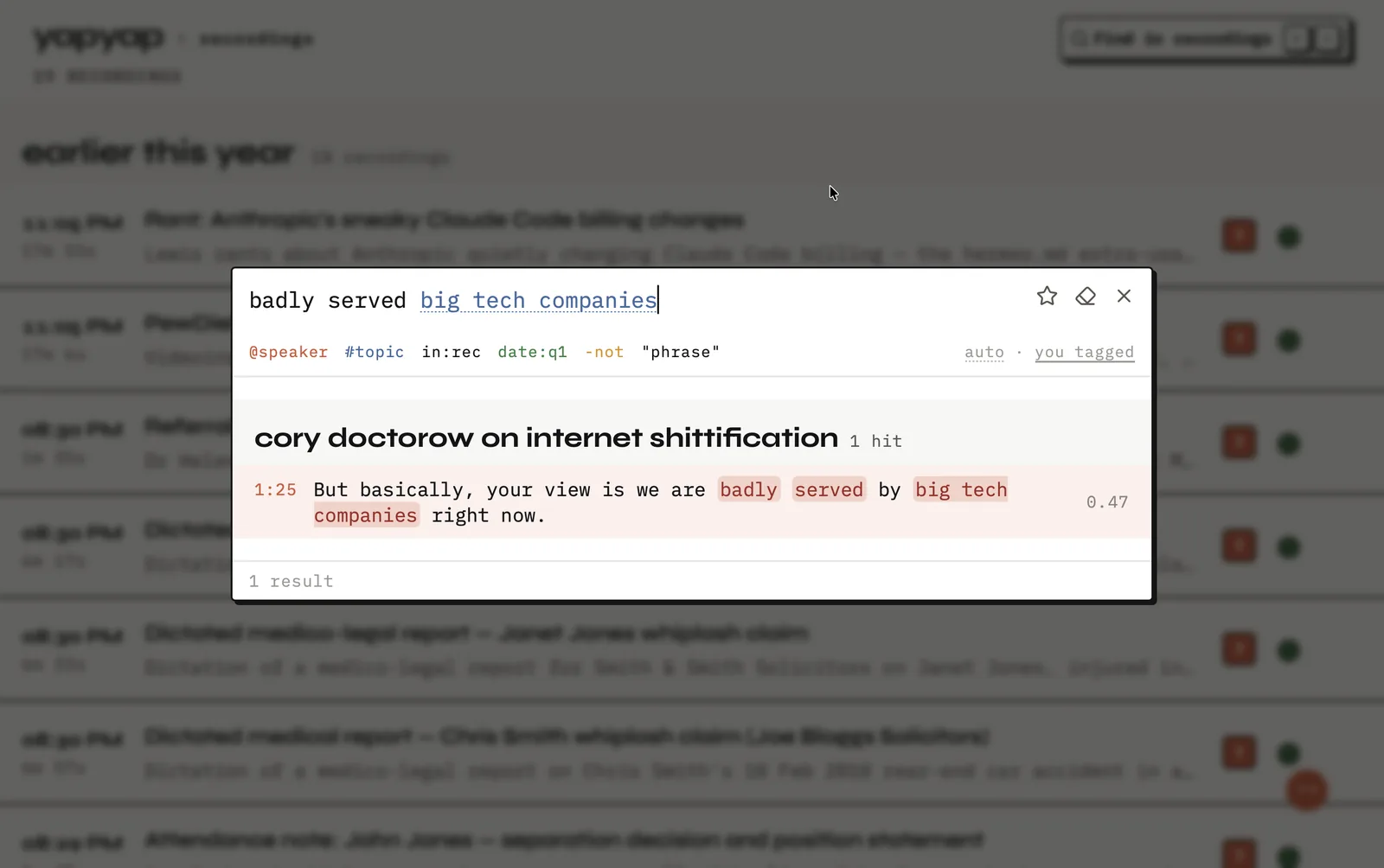
On video calls, yapyap keeps your microphone and the call’s sound on separate channels, so “you” and “them” do not blur. In a room, it labels different voices. Over time, you can attach names so familiar people arrive labeled again.
What this does for you
- Skim a long meeting by speaker instead of replaying the whole thing.
- Search “what did Alex say about budget?” across your recordings.
- Quote people accurately for articles, research, or follow-ups.
- Keep voice labels on your computer, not in someone else’s database.
How the labels arrive
- On a call, your mic and the call audio stay on separate channels, so “you” and “them” do not blur.
- In a room, yapyap groups the voices it hears into separate speakers.
- You put a name on a speaker once.
- Next time that voice appears, it can arrive already named.
The first two happen without you. Naming is the one step you do, and you only do it once per person.
FAQ
- Does yapyap identify who is speaking?
- Yes. It labels speakers on your computer so you can search and quote by person. You can name people so they stay recognizable in later recordings.
- How accurate is speaker labeling?
- Calls are easier than rooms, because the channels are already separate. In a room, distance and crosstalk matter more than the number of people.
- Where are the voice samples kept?
- On your computer, with the rest of your archive. yapyap does not upload them, and it does not share them.
Record your meetings. See who spoke. Turn one recording into the write-up you need, on your computer, with no cloud account.
Download yapyap
Free to try. No card, no account.
Then €69, once. Yours forever, every update included.
Your recordings never leave your computer.