The room is the studio. Your laptop keeps the notes.
In-person talks do not have a bot to invite, and you should not need a clip-on gadget either. Record the room with what you brought, see who spoke, keep the tape.
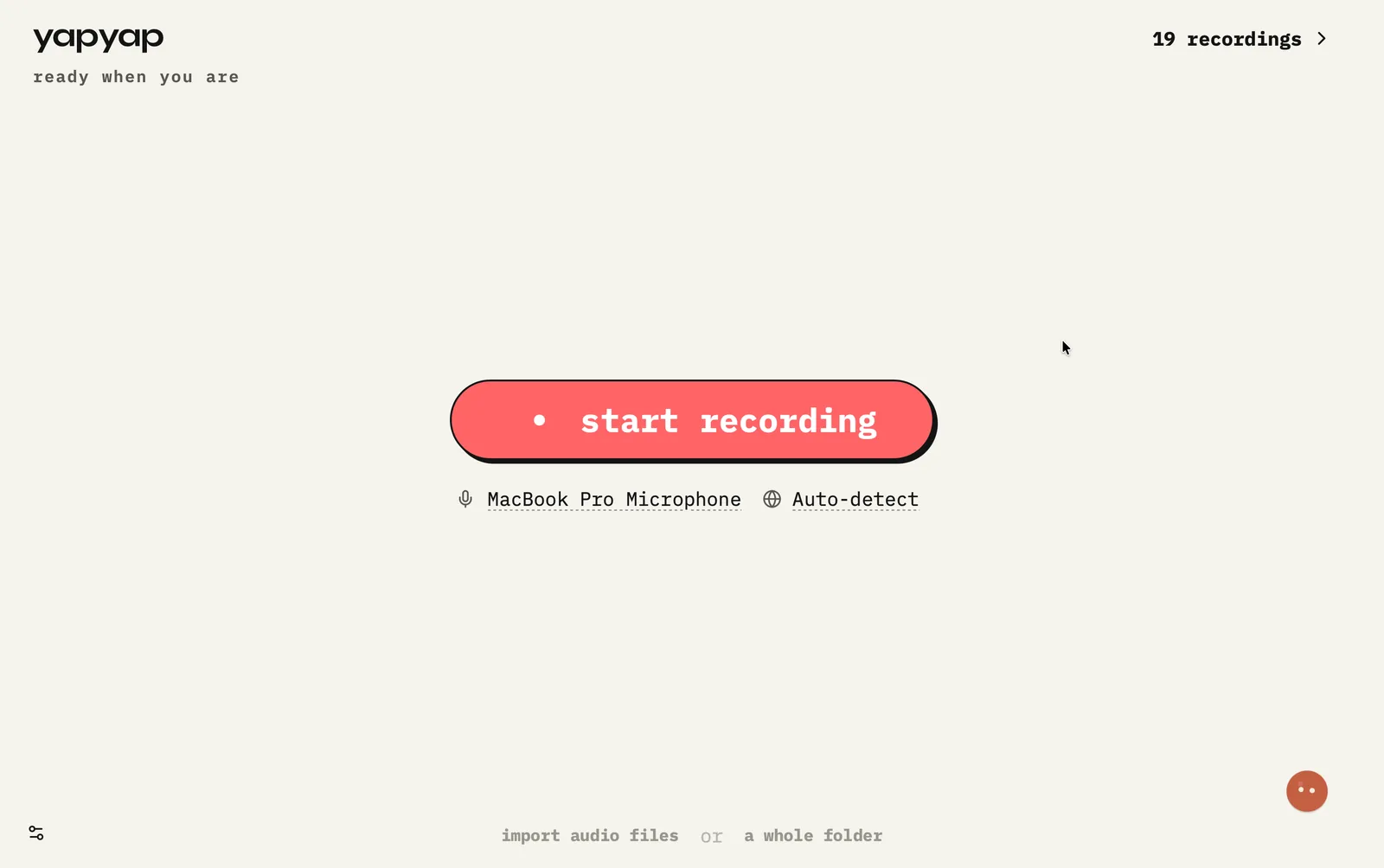
In short: put the laptop or phone where it can hear the room, record, then open speaker-labeled notes when you are back at your desk.
How to record in person
- Place the mic toward the people talking. Laptop if you brought it, phone if you did not.
- Start capture before the discussion begins.
- When you are done, stop. Then label speakers you will meet again.
What you get
- Room recording with clear speaker labels.
- Useful for workshops, standups, and sit-downs.
- yapyap Go records on its own when the laptop stayed home, and syncs the take back later.
If this happens
- A long table: move the laptop toward the quieter half, not the middle.
- You walked in without the laptop: record on the phone, sync the take when you are back.
- Someone arrives late: name them once afterward, and yapyap can recognize them next time.
FAQ
- How do I record an in-person meeting with yapyap?
- Record on your laptop, or on the phone with yapyap Go when the laptop stayed home. yapyap labels voices so you can find who said what later.
- Do I need special hardware for room capture?
- No. A clip-on pendant is a second device to buy and eventually bin. The phone you already carry records the room on its own.
- How many people can yapyap tell apart in a room?
- It separates the voices it can hear clearly. Crosstalk and distance hurt more than the head count. Move the microphone closer and it does better.
Record your meetings. See who spoke. Turn one recording into the write-up you need, on your computer, with no cloud account.
Download yapyap
Free to try. No card, no account.
Then €69, once. Yours forever, every update included.
Your recordings never leave your computer.