Say it now. Make sense of it later.
A voice memo app gives you a file you will never open again. This gives you the words, on your computer, in whatever shape you asked for.
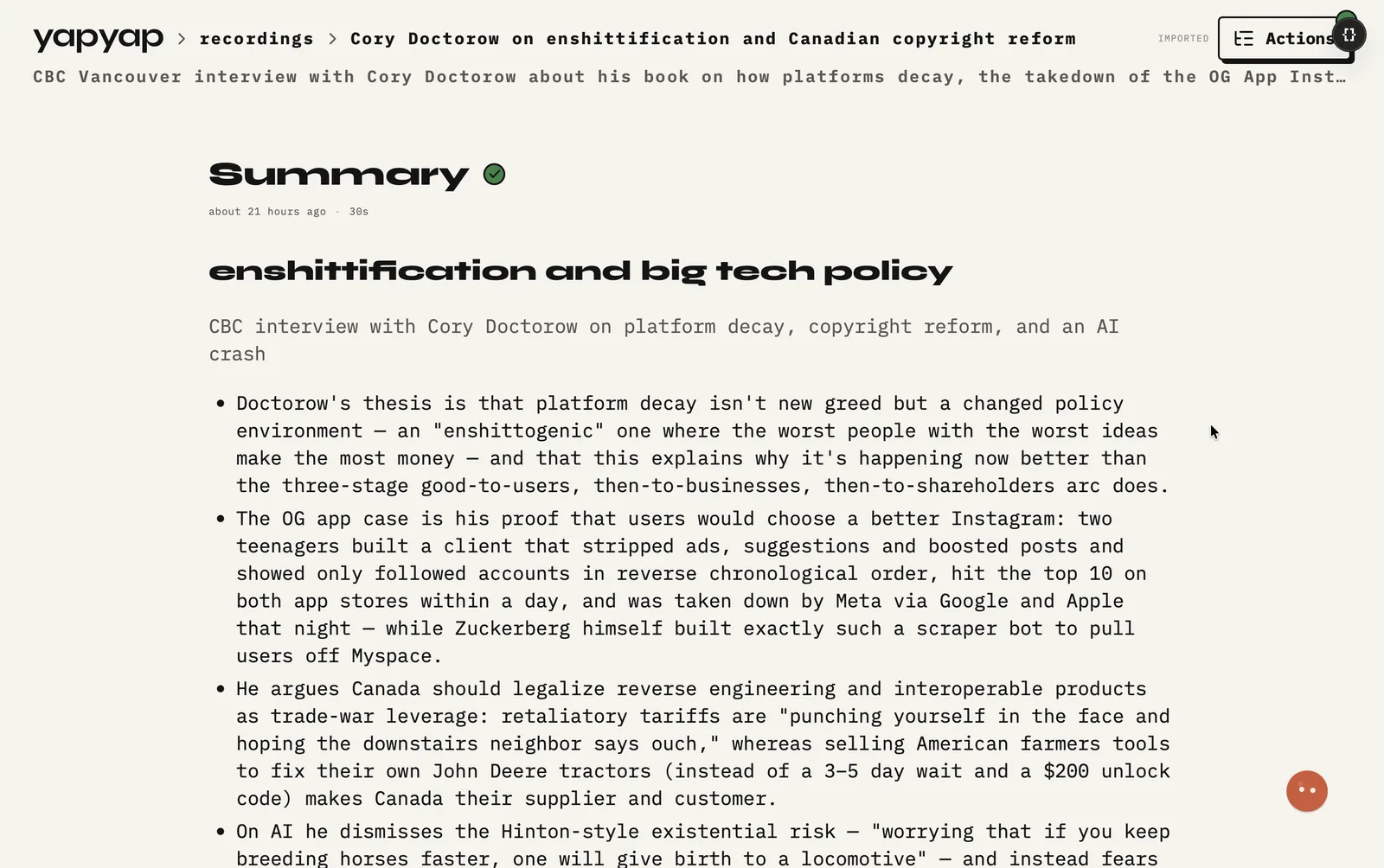
In short: record yourself thinking out loud, at your desk or on a walk, and yapyap transcribes it locally and writes it up. No note-taking while you talk, and no listening back at half speed to find the one useful minute.
How to record a voice note
- At your desk: start yapyap and talk. Stop when the thought runs out.
- Away from it: record in yapyap go on your phone, offline if you have no signal.
- Transcription and the write-up run on your own machine when you stop.
- Apply a lens (summary, action list, or a format you wrote) to get the note into a usable shape.
What you get
- Searchable text instead of a wall of untitled audio files.
- A summary of a twenty-minute ramble that takes twenty seconds to read.
- The full transcript kept underneath, for when the summary dropped the bit you wanted.
- The same archive your meetings live in, so a note and the call it came from sit together.
This is yapping with a net under it: talk at the speed you think, and let the structure be applied afterwards rather than demanded up front.
FAQ
- Can I record a voice note without anyone else present?
- Yes. Most yapyap recordings are one person thinking out loud. Nothing joins, and there is no call to be on.
- How do I turn a long voice memo into notes?
- Record it, let yapyap transcribe it on your computer, and apply a lens for a summary or an action list. A twenty-minute memo becomes something you can read in under a minute, with the transcript still there underneath.
- Does it work without internet?
- Yes. Recording, transcription, and the write-up all run on your own hardware, so a plane or a basement changes nothing.
Record your meetings. See who spoke. Turn one recording into the write-up you need, on your computer, with no cloud account.
Free to try. No card, no account.
Then €69, once. Yours forever, every update included.
Your recordings never leave your computer.