Office hours and orals, without the upload.
Student conversations deserve care. Capture advising and oral work on your side and keep the audio local. Leave with notes you can actually reuse, without a bot on the call.
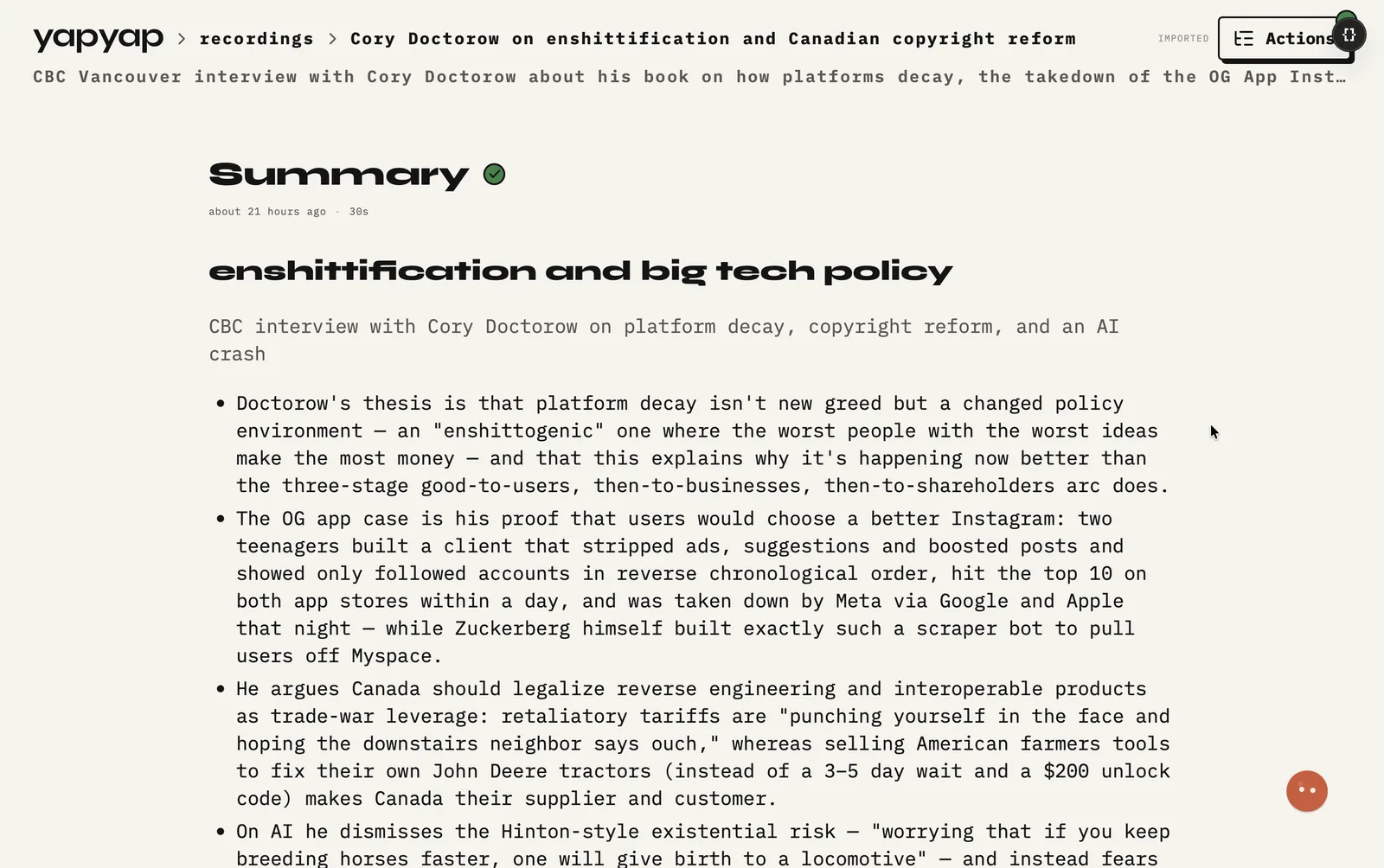
In short: office hours and orals without uploading student audio by default. Follow your school’s consent rules.
We built yapyap for teachers and academic advisors who want notes without pushing student audio into a consumer cloud notetaker. Follow your school’s consent and retention rules. yapyap keeps sessions on your computer by default.
What you get
- Local transcripts of advising and oral sessions.
- Short summaries or follow-up lists via lenses.
- Record on your phone when you meet outside the office.
- No mandatory cloud account to start recording.
What it does not do
- It does not set your retention policy. Your institution does.
- It does not join a class tool, so it cannot record a lecture you are not in.
- It does not grade. It gives you notes from the session.
FAQ
- Can I remove a student recording?
- Yes. Recordings live on your computer, so removing one is a local action. yapyap did not copy it to a server first.
- Can teachers keep student session audio on their own computer?
- Yes. The default archive is local. Still follow your institution’s policies on recording students and how long you may keep notes.
- Does yapyap join online class tools as a notetaker bot?
- No. Nothing joins as a guest. Capture uses your computer or the companion phone mic.
Record your meetings. See who spoke. Turn one recording into the write-up you need, on your computer, with no cloud account.
Free to try. No card, no account.
Then €69, once. Yours forever, every update included.
Your recordings never leave your computer.