Lectures you can revise from. Notes that stay yours.
You cannot write and listen at the same time. Record the lecture, the seminar, or the thesis interview, then read it back by speaker and pull the parts you need for the exam.
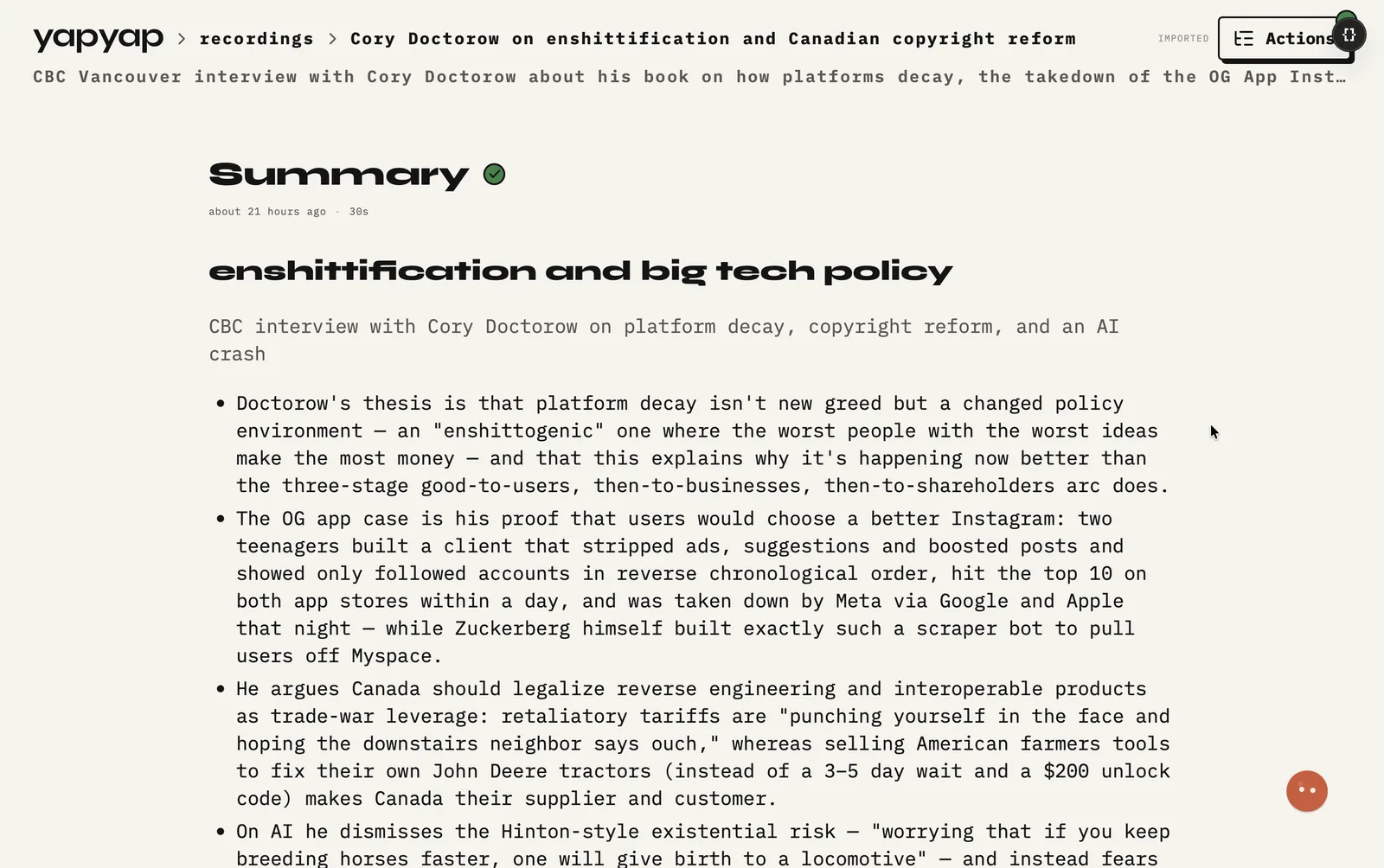
In short: record class and thesis work on your own laptop, search it by speaker, and turn one recording into revision notes.
Ask your lecturer before you record. Rules differ per school. Once you have the go-ahead, yapyap keeps the audio on your machine and gives you a transcript you can search instead of a page you have to replay.
What you get
- Lecture and seminar transcripts you can search by word.
- Summaries and question lists via lenses, from the same recording.
- A recorder in your pocket for fieldwork and thesis interviews.
- Pay once. No monthly bill on a student budget.
What it does not do
- It does not ask permission for you. That part is yours.
- It does not join an online class as a guest, so it cannot record a lecture you skipped.
- It does not write your essay. It gives you the source lines to write from.
FAQ
- Can students record lectures without uploading them?
- Yes. Recording and transcription run on your laptop by default. Nothing needs a cloud account, and nothing leaves until you export it.
- Do I still need permission to record a lecture?
- Yes. Ask your lecturer or check your course rules. yapyap keeps the audio private, but consent is still your call.
- Can I use my phone in a big lecture hall?
- Yes. Record on the phone, then transfer the take to your computer later. Sit close if the room is loud.
Record your meetings. See who spoke. Turn one recording into the write-up you need, on your computer, with no cloud account.
Free to try. No card, no account.
Then €69, once. Yours forever, every update included.
Your recordings never leave your computer.