Interviews that stay on hardware you control.
When cloud notetakers are a non-starter, you still need accurate notes. yapyap keeps sessions local, labels speakers, and helps you rebuild a chronology without a bot guest.
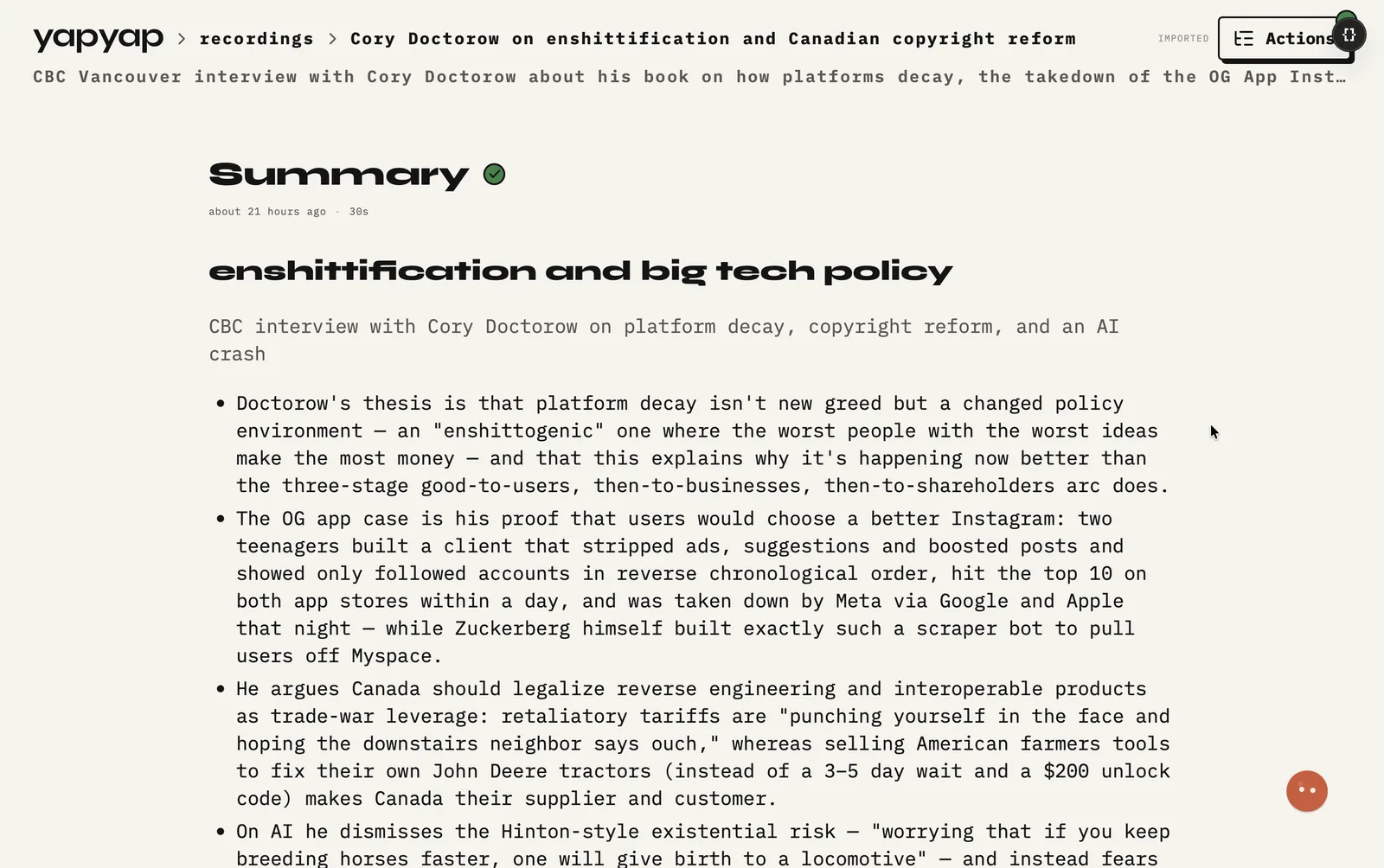
In short: local interviews when cloud notetakers are a non-starter, chronologies via lenses, and export only when process says so.
Use yapyap where policy prefers local tools. Confirm your organization’s recording, consent, and retention rules. yapyap does not provide legal chain-of-custody certification. It keeps audio and transcripts on machines you operate by default.
What you get
- No meeting bot on sensitive remote interviews.
- Speaker-labeled transcripts for faster review.
- Lenses for chronologies or issue lists from one take.
- Export only when your process says it is time.
What it does not do
- It does not provide chain of custody. Your process does.
- It does not seal or certify exports as evidence.
- It does not judge what you should record. That call stays yours.
FAQ
- Does yapyap produce evidence-grade recordings?
- It produces audio and a transcript on hardware you operate. It does not certify custody or integrity. Treat it as a working tool inside your own process.
- Can investigators avoid uploading interview audio to a vendor?
- Yes for the core workflow. Capture and transcription stay on your computer by default. Follow your org’s rules for any export or evidence package.
- Does yapyap replace case-management software?
- No. It replaces the notetaker and cleanup step. Move finished write-ups into whatever system your investigation already uses.
Record your meetings. See who spoke. Turn one recording into the write-up you need, on your computer, with no cloud account.
Free to try. No card, no account.
Then €69, once. Yours forever, every update included.
Your recordings never leave your computer.