What is companion capture?
The phone is the recorder: it captures and keeps takes on its own, with no network needed. Your computer is where transcripts, speakers, and lenses happen, and where the take joins the same private library as your other meetings.
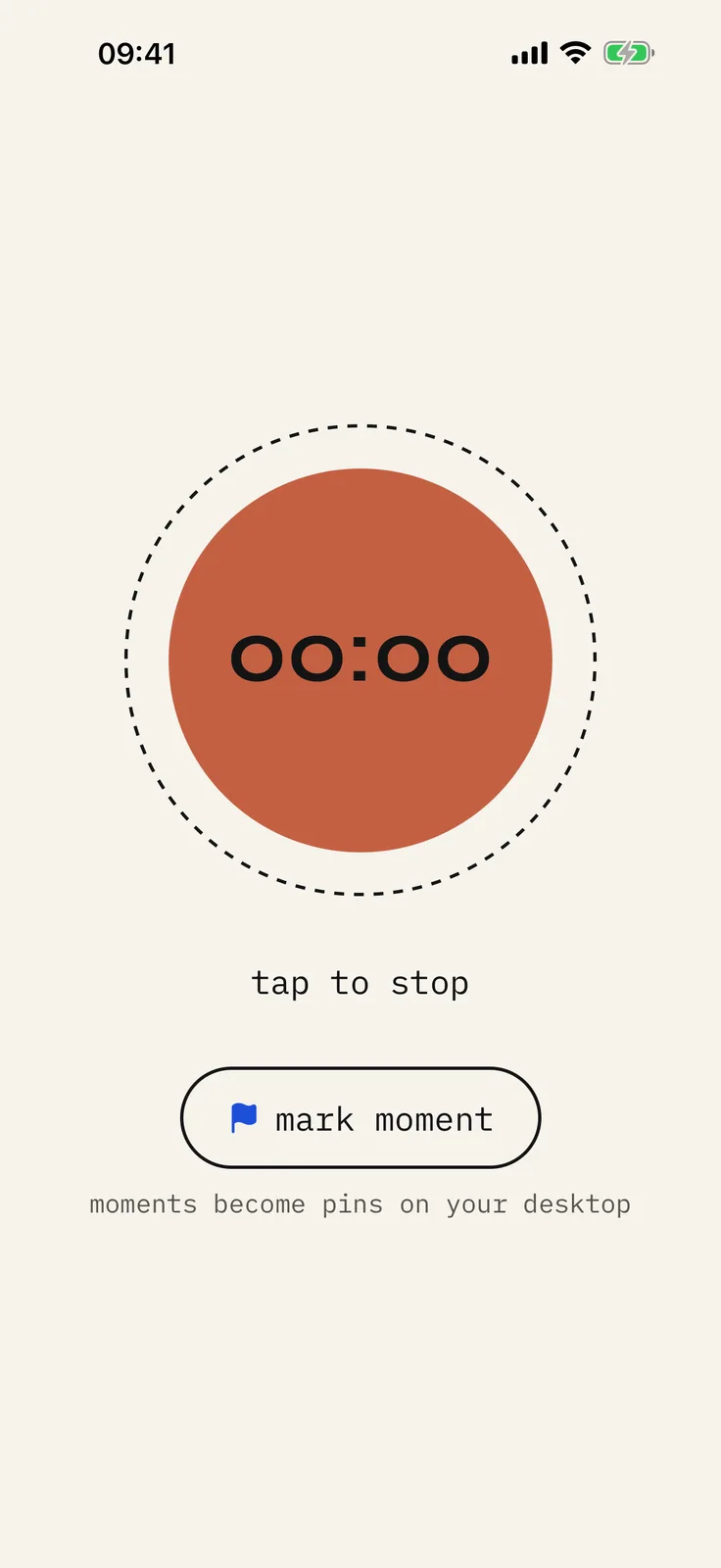
Unlike clip-on gadgets, you do not buy new hardware. Unlike apps that only work at a desk, you can capture in the field and finish the notes later.
What it means in practice
- The phone records and holds takes on its own, with no pairing needed to hit record.
- Handoff uses your own network when the two are together.
- Desktop runs transcripts and lenses, in the same private library as Zoom and room recordings.
- No pendant subscription stack required.
FAQ
- What is companion capture?
- Using your phone as a mic and recorder that captures and stores takes on its own, then sending them to the desktop archive for transcripts. No separate clip-on gadget required.
- Is the companion a meeting bot?
- No. It is your phone recording audio you choose to capture, not a guest on someone else’s call.
Record your meetings. See who spoke. Turn one recording into the write-up you need, on your computer, with no cloud account.
Download yapyap
Free to try. No card, no account.
Then €69, once. Yours forever, every update included.
Your recordings never leave your computer.