Interview archives you actually own.
Your guests’ words are your show’s fuel. Keep the takes on your computer, find lines by speaker, and pull quote sheets without scrubbing the whole episode again.
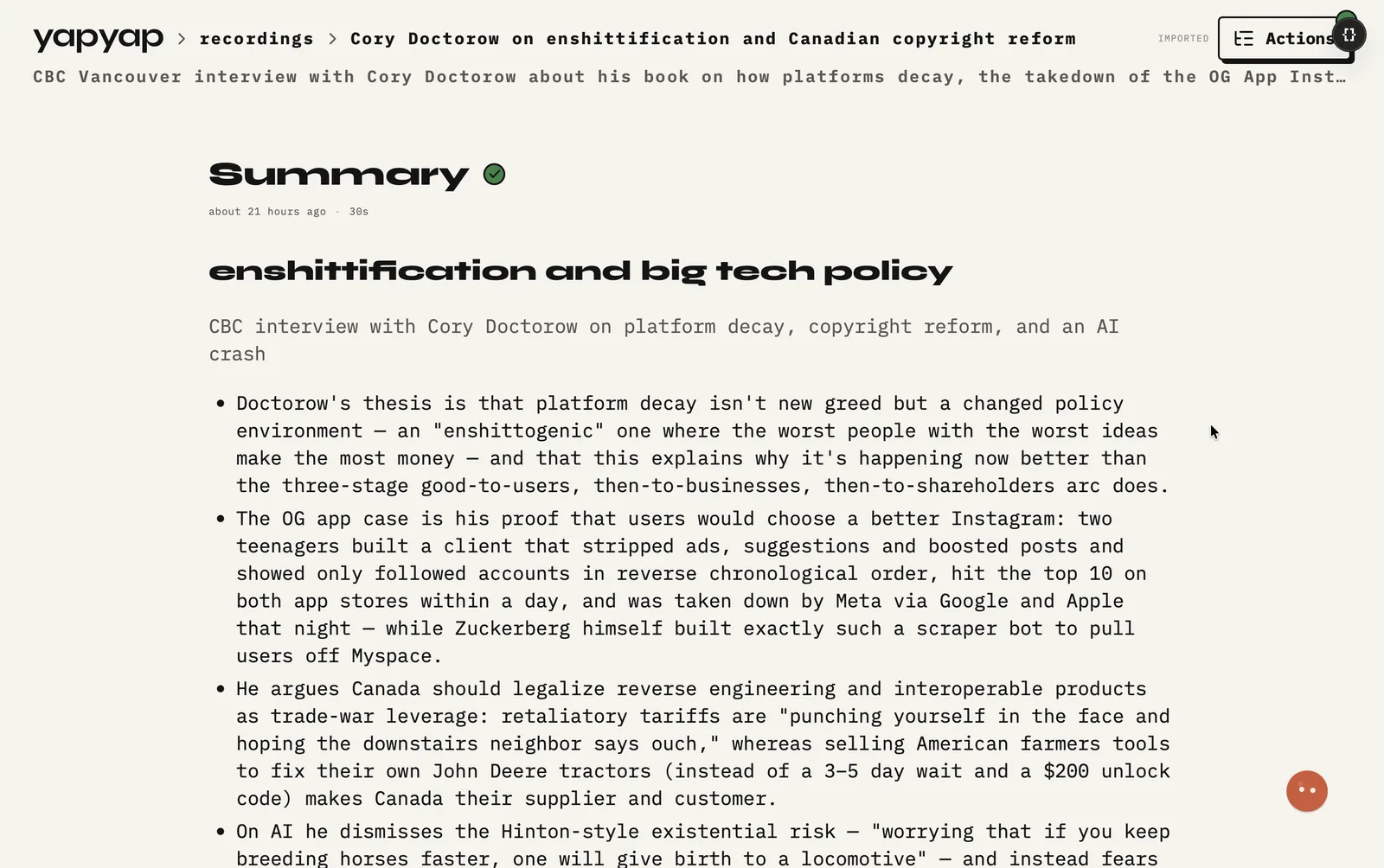
In short: own the interview archive, find lines by speaker, and pull show notes or quote sheets without scrubbing again.
What you get
- Searchable transcripts with names on the lines.
- Lenses for show notes, quote sheets, or chapter outlines.
- Record on your phone for field or remote-friendly capture.
- Pay once. The archive is not a monthly rental.
What it does not do
- It does not mix or master. Your editor still does that.
- It does not capture a remote guest at studio quality. Use a double-ender for that.
- It does not publish. It gets you to show notes and quotes faster.
FAQ
- Should yapyap be my only recorder for an episode?
- Use it for the transcript, speakers, and notes. For the audio you publish, keep your normal recording setup.
- Can podcasters keep interview audio local with yapyap?
- Yes. Recording and transcription run on your computer by default. Export clips or notes only when you are ready to publish.
- Is yapyap a full podcast studio suite?
- No. It is for capture, transcripts, speakers, and write-ups. Use your usual editor for mix and master.
Record your meetings. See who spoke. Turn one recording into the write-up you need, on your computer, with no cloud account.
Download yapyap
Free to try. No card, no account.
Then €69, once. Yours forever, every update included.
Your recordings never leave your computer.