Hold, talk, let go. The words are already there.
Dictation is the feature you use forty times a day without thinking about it, which is exactly why it should not be a subscription with an outage page.
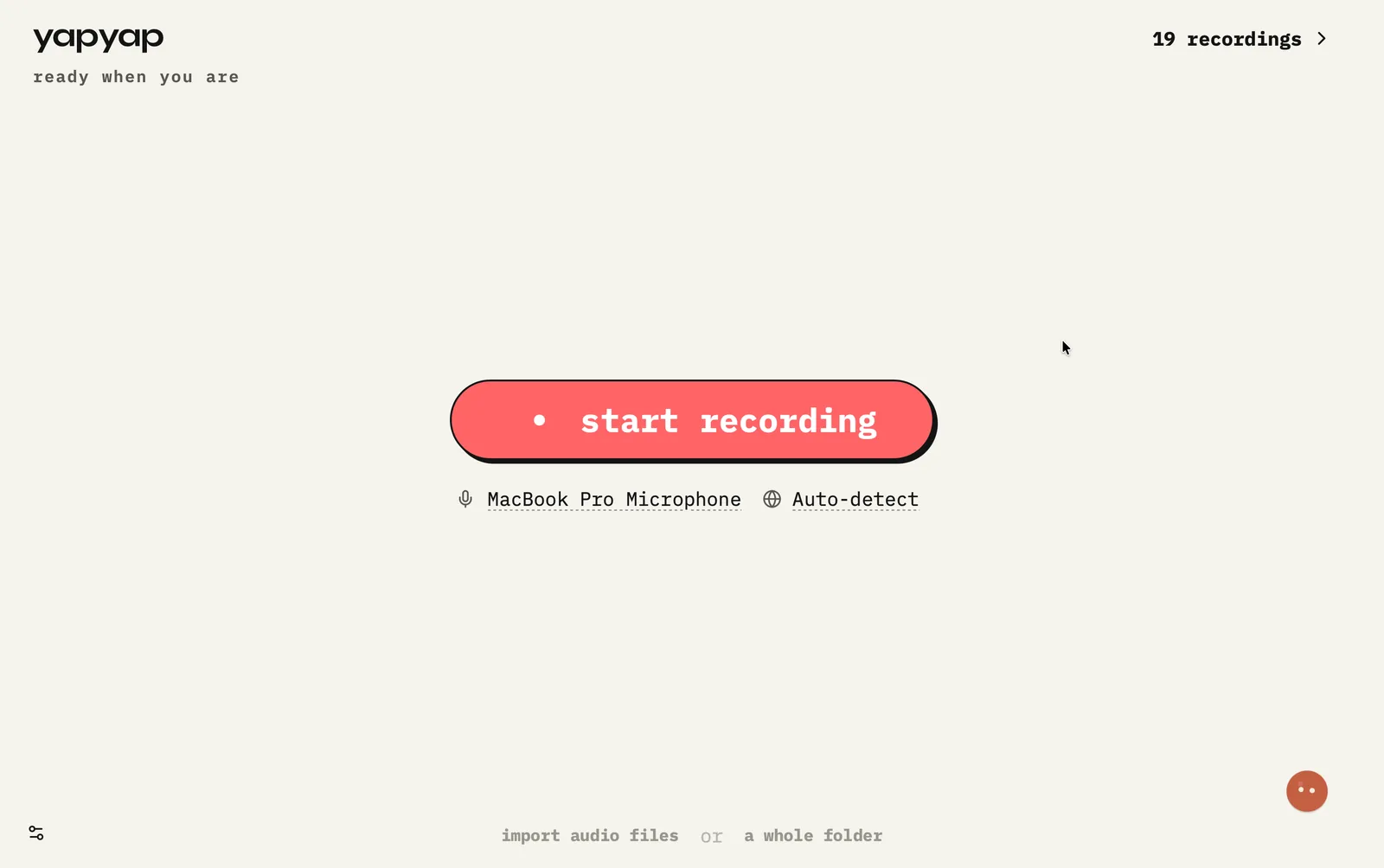
In short: hold your dictation shortcut in any application, say the sentence, and yapyap types it at your cursor. The speech never leaves your computer, so it works on a plane and costs nothing per word.
How to dictate with yapyap
- Put your cursor where the text belongs: an email, an editor, a chat box, a form.
- Hold the dictation shortcut. Push-to-talk, so nothing is listening when you are not holding it.
- Speak the sentence at a normal pace, then let go.
- The words appear at the cursor. No window to switch to, nothing to copy across.
What makes local dictation different
- It works offline, because the model is on your disk rather than behind an API.
- It has no meter. Dictating all day costs exactly what dictating once does.
- Nothing is listening ambiently: it only hears you while the key is held.
- Passwords, client names, and half-formed complaints about your colleagues stay on your machine.
Dictation and recording are the same engine pointed at different problems. Dictation is for when you know the sentence; recording is for when you are still working out what you think.
FAQ
- Does dictation work in any app?
- It types at your cursor, so it works wherever you can type: mail, editors, chat, browser forms. There is no per-app integration to install.
- Is yapyap always listening?
- No. Dictation is push-to-talk: it hears you only while you hold the shortcut, and there is no wake word and no ambient microphone.
- Can I use offline dictation without a subscription?
- Yes. Dictation is part of the one-off €69 licence, not a separate plan, and it runs on your machine so there is nothing to meter.
- How is this different from my operating system's dictation?
- Built-in dictation varies by platform in quality, language coverage, and whether it uploads. yapyap uses the same open models as its transcription, so dictation is as good as the model you picked and stays on your computer either way.
Record your meetings. See who spoke. Turn one recording into the write-up you need, on your computer, with no cloud account.
Free to try. No card, no account.
Then €69, once. Yours forever, every update included.
Your recordings never leave your computer.